Now we need to find the port forwarding section in your router. Here's how you do it. Starting from the first page in your router:
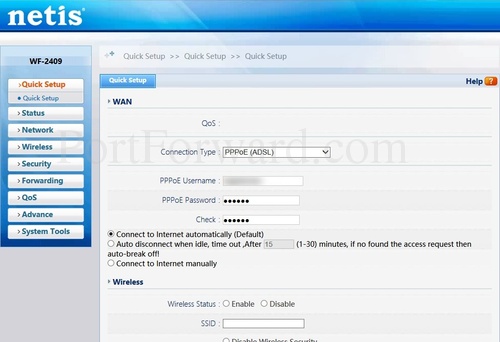
Click the Forwarding link near the left of the page.
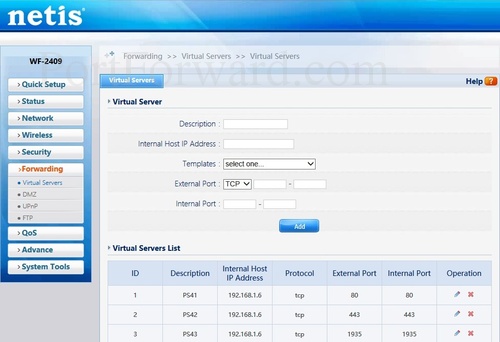
You should now see a new menu. In this new menu, click Virtual Servers.
Step 4
موضوعات مرتبط: تنظیمات مودمNetis
تاريخ : شنبه بیست و دوم شهریور ۱۳۹۹ | 10:28 | نویسنده : منتظر المهدی(عج) |